Enka / GO import
Enka / GO import
Importing saves time. You do not need to type every weapon, artifact, stat, and talent by hand.
Choose the source
- Enka reads the characters displayed on your public in-game profile.
- GO means Genshin Optimizer. Use it when you already exported your account from GO.
- If an item imports as unknown, it usually means Evilsim is missing that local ID or Enka cached old public data.
Prepare your in-game profile for Enka
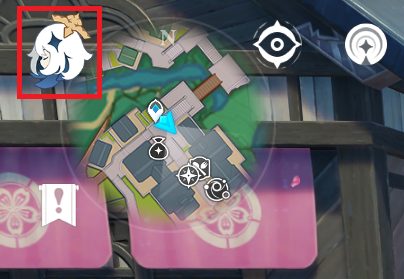
- Open the Paimon menu.
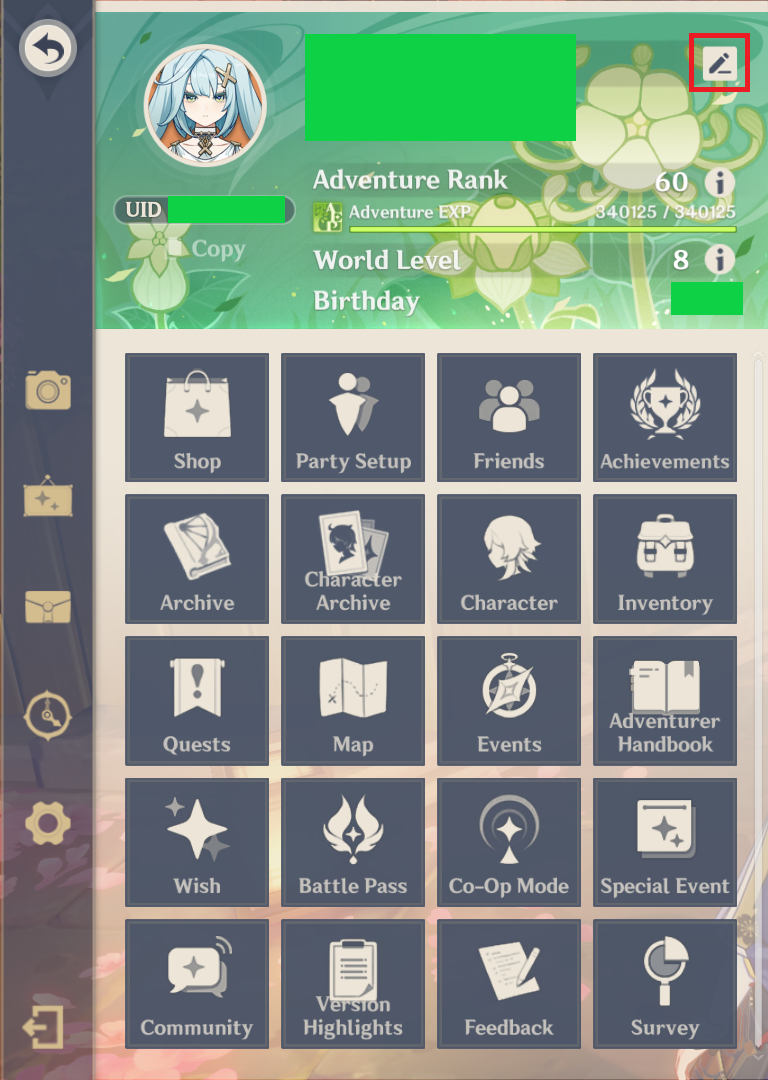
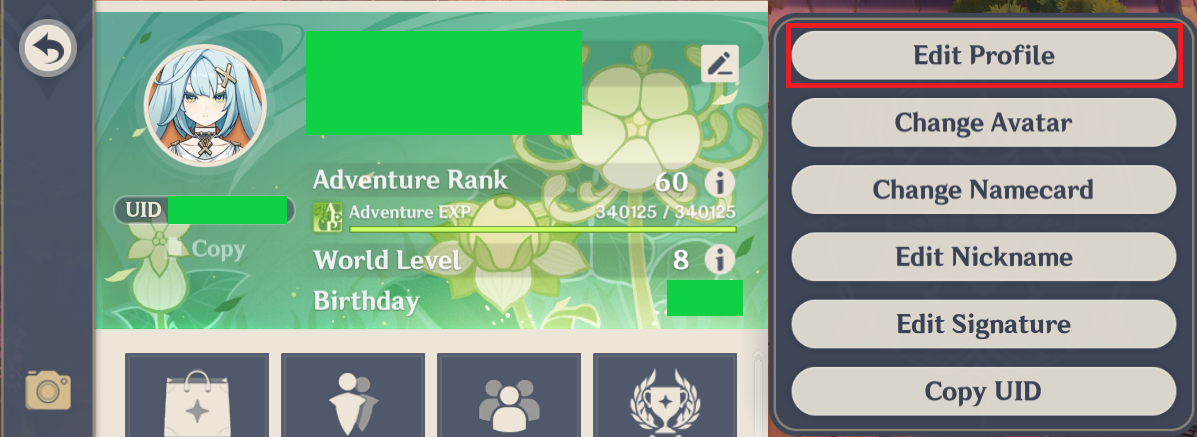
- Open your profile editor.
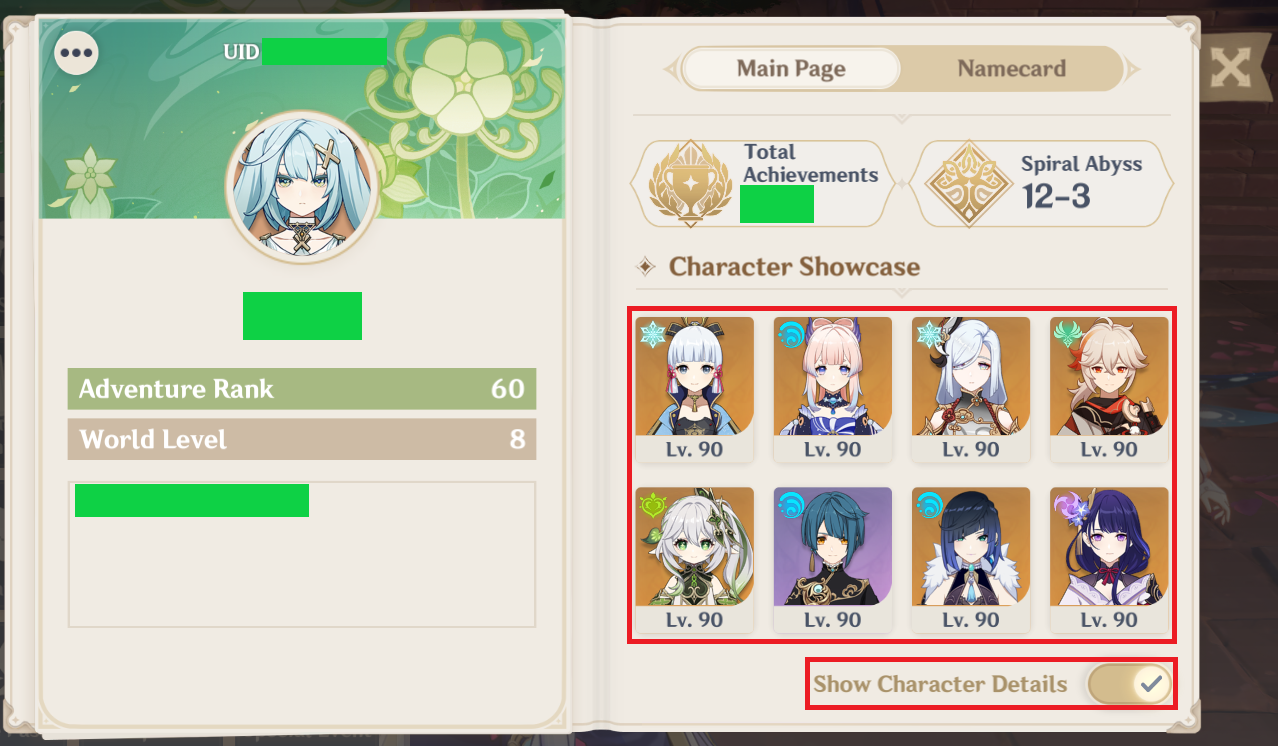
- Enable Show Character Details.
- Place the characters you want to import on your public showcase.
- Wait a short moment if you just changed the showcase; Enka can cache data.
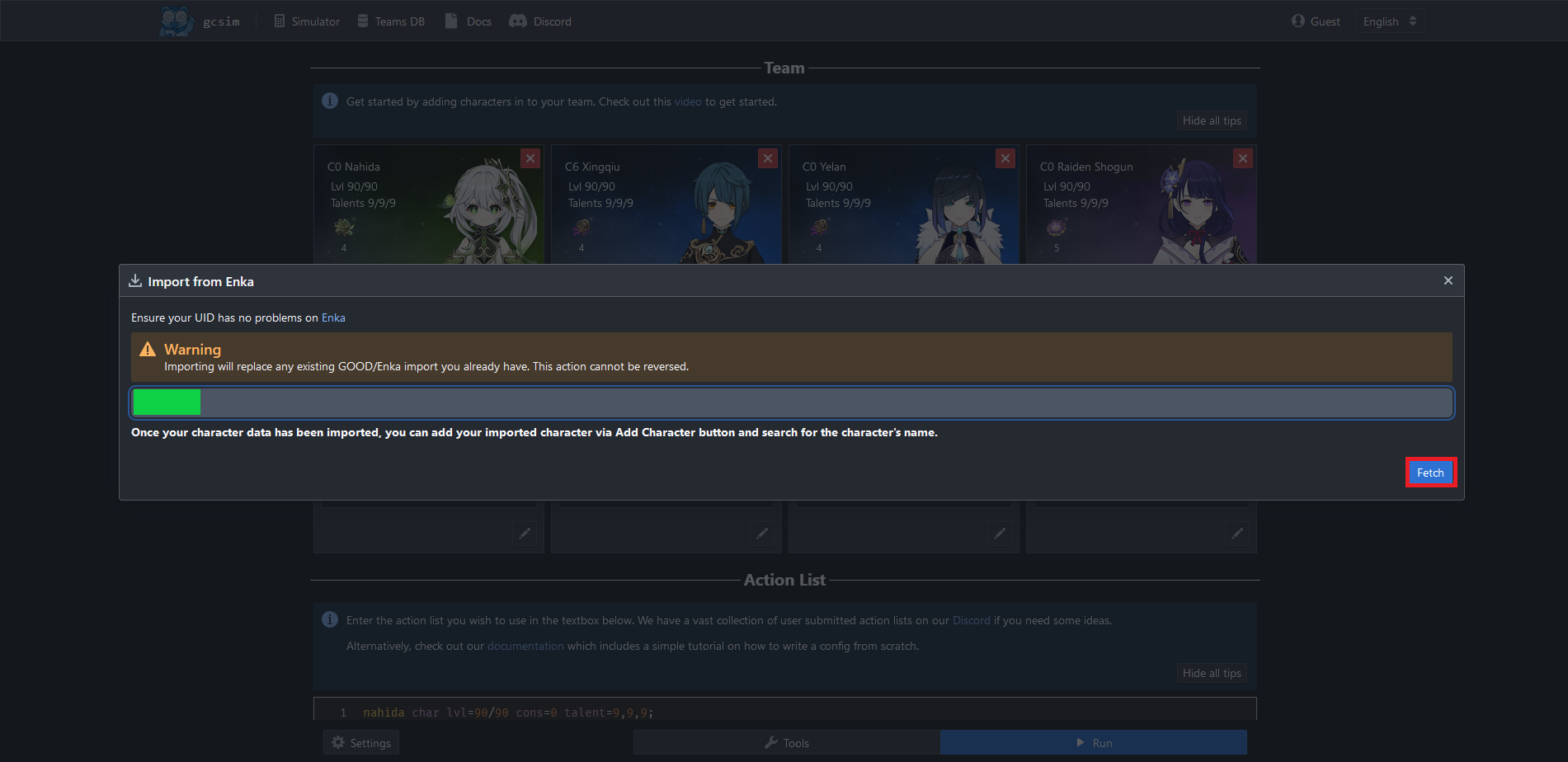
Import inside Evilsim
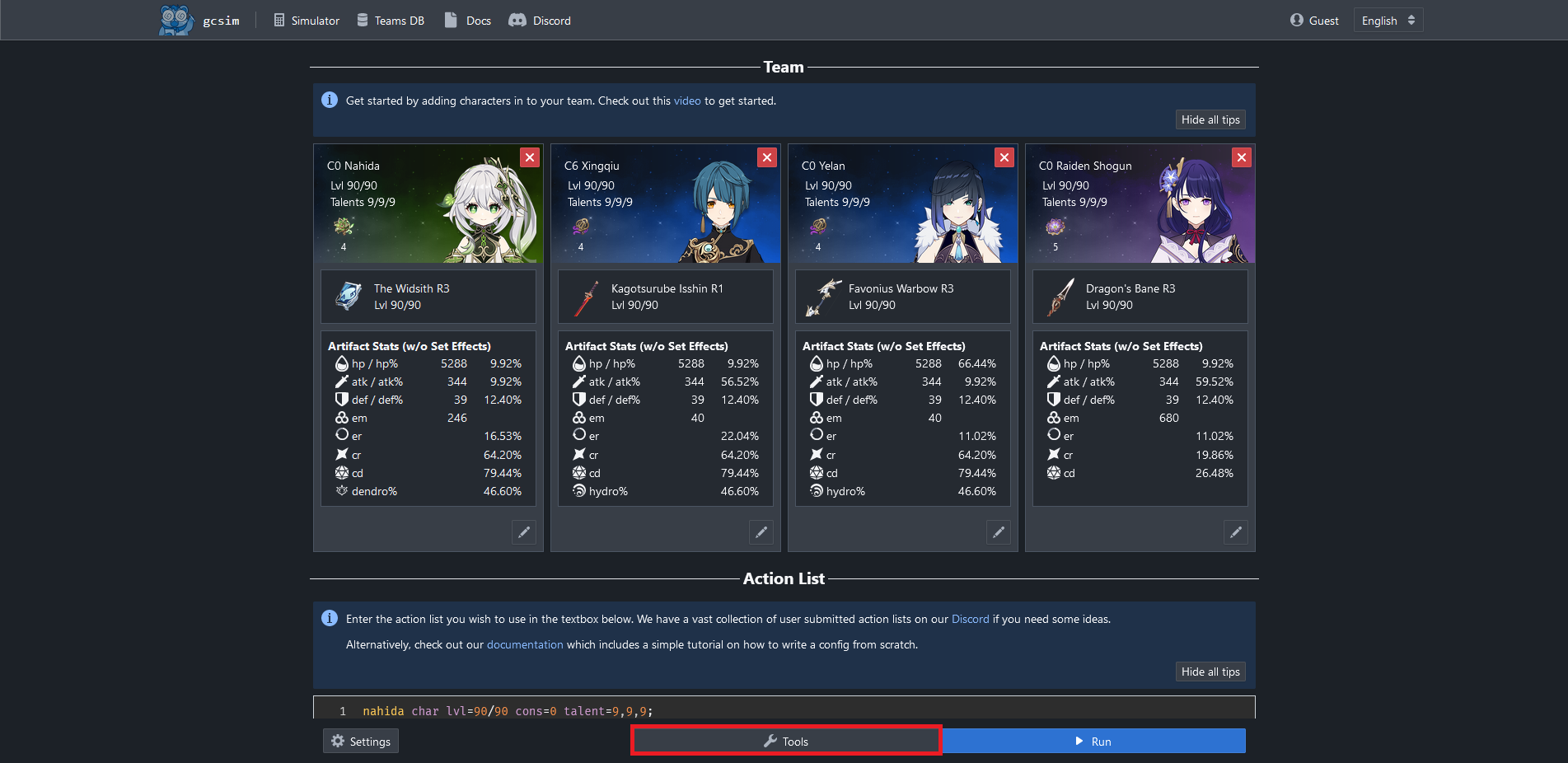
- Open /simulator.
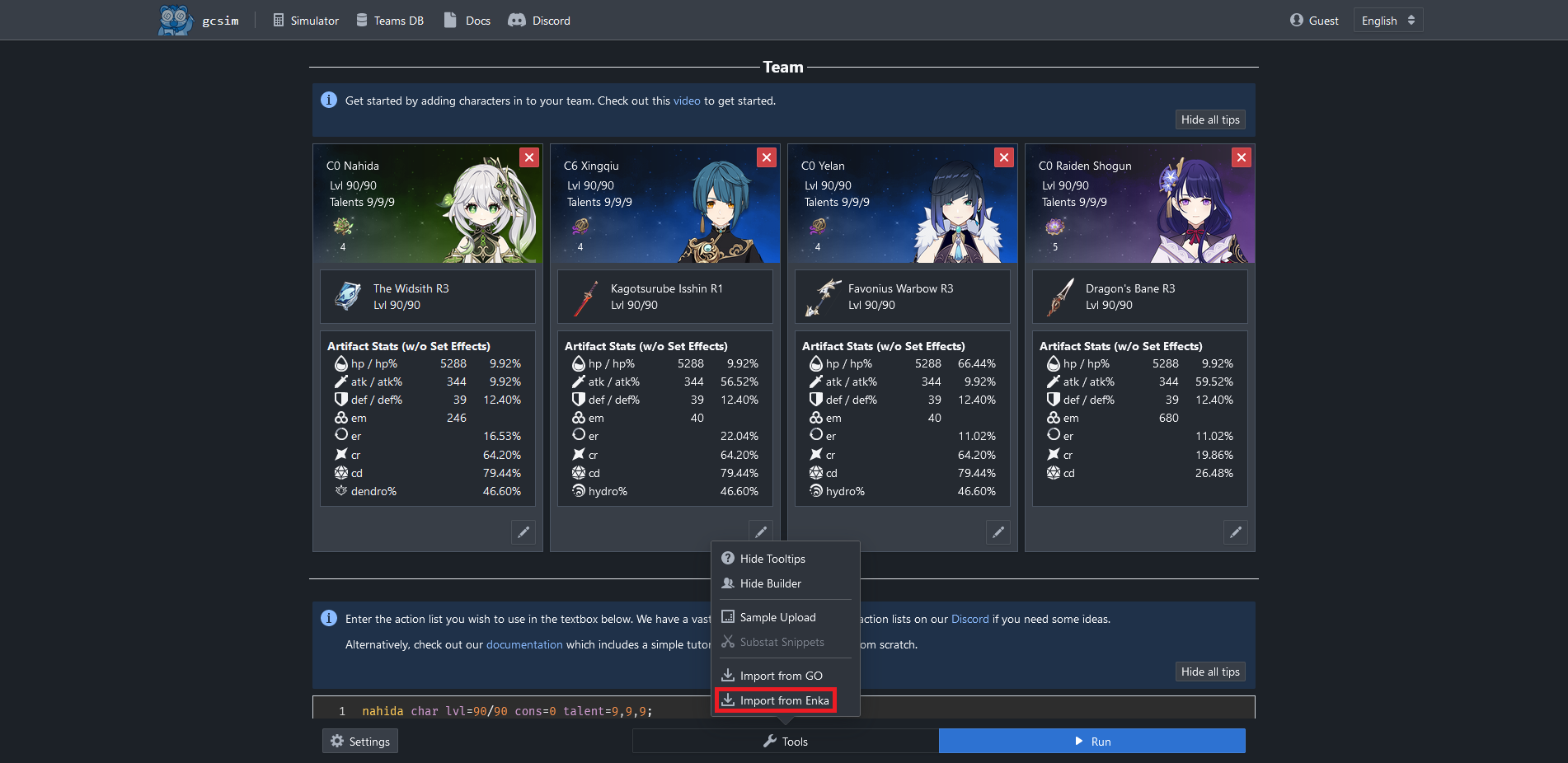
- Press Tools.
- Choose Import from Enka.
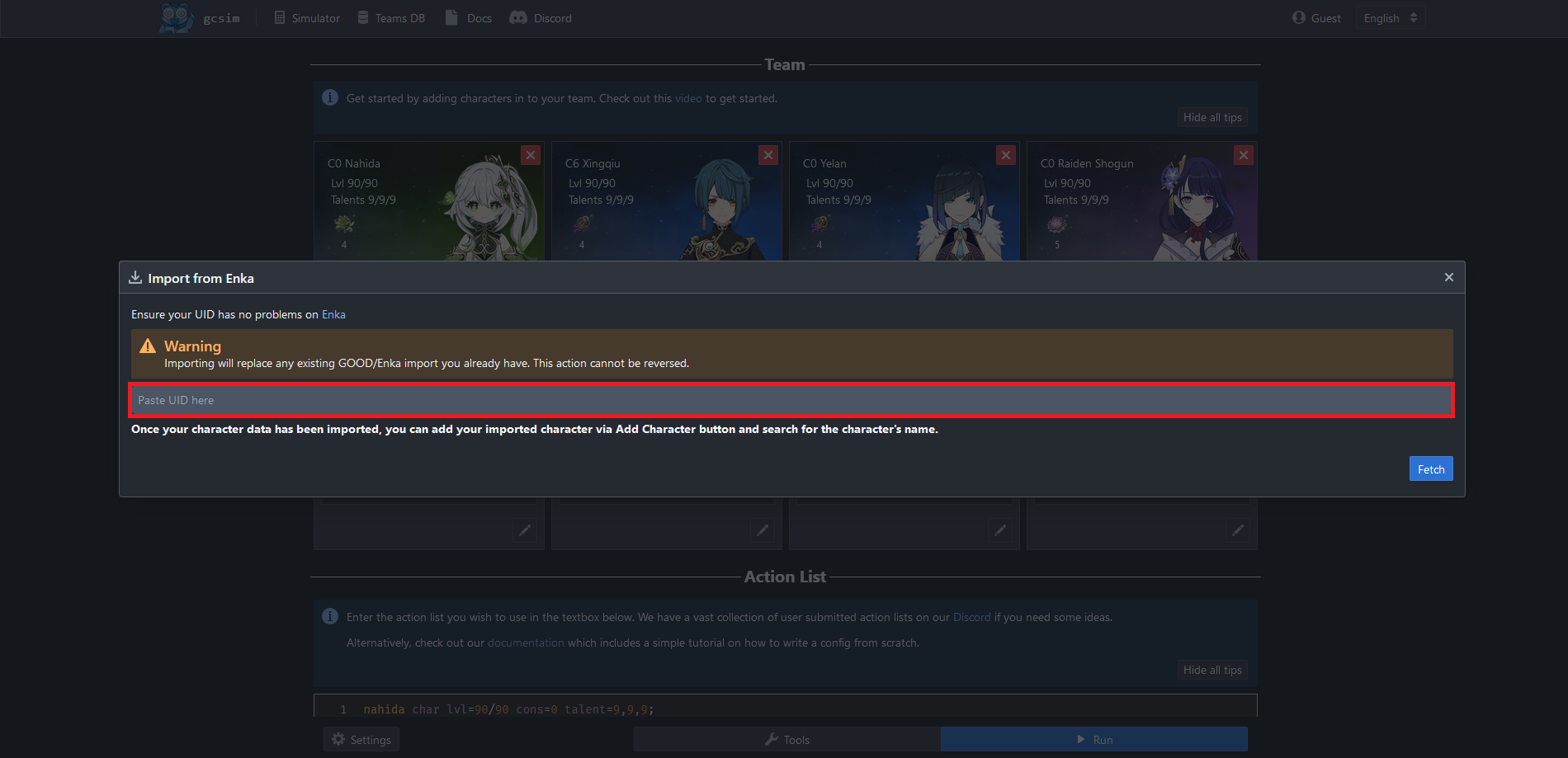
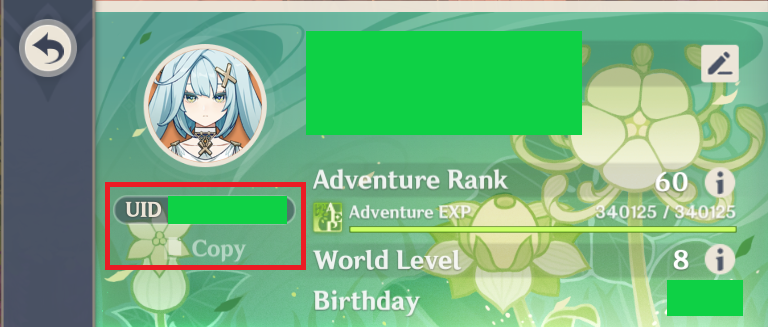
- Paste the UID.
- Press Fetch.
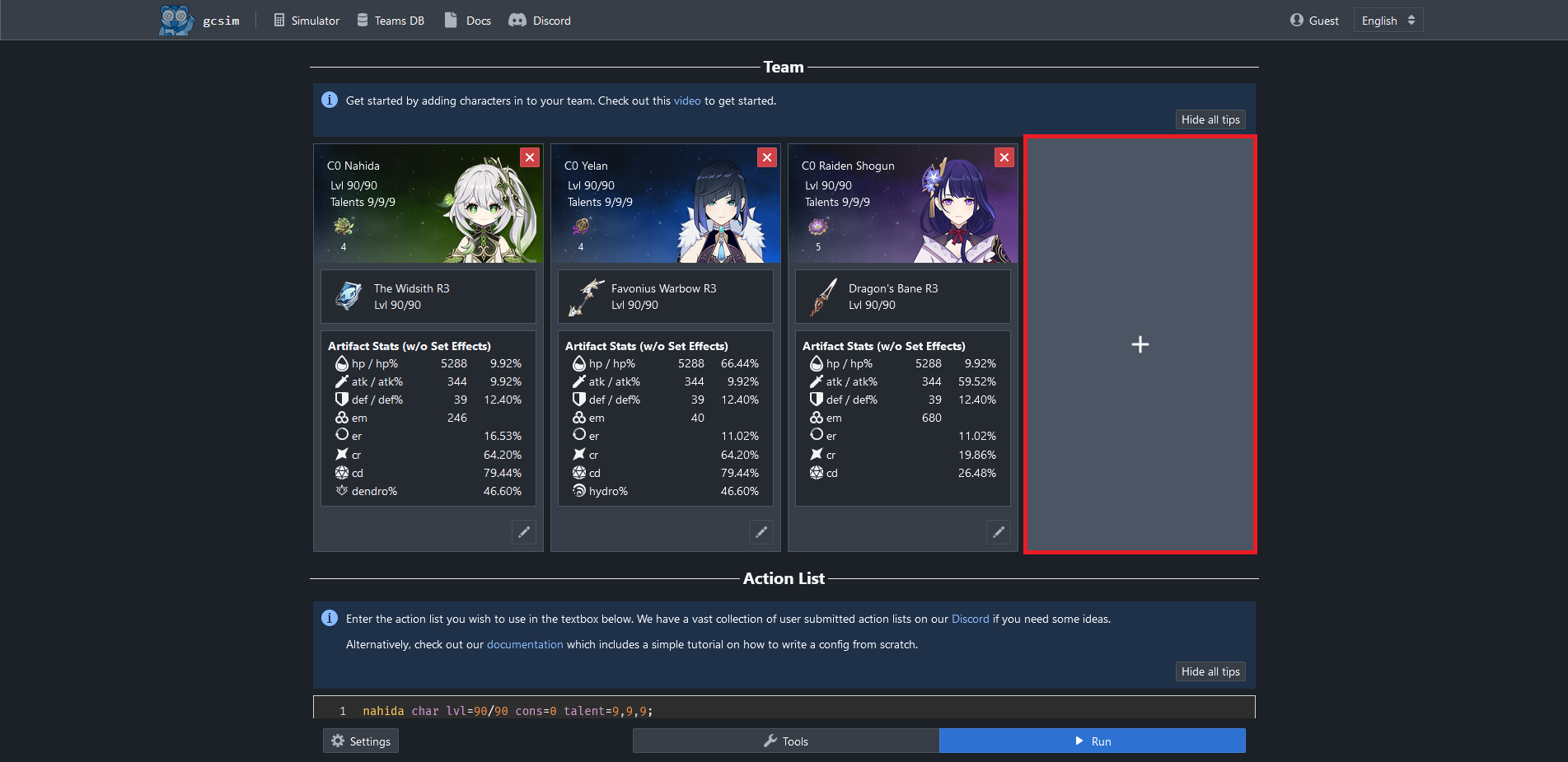
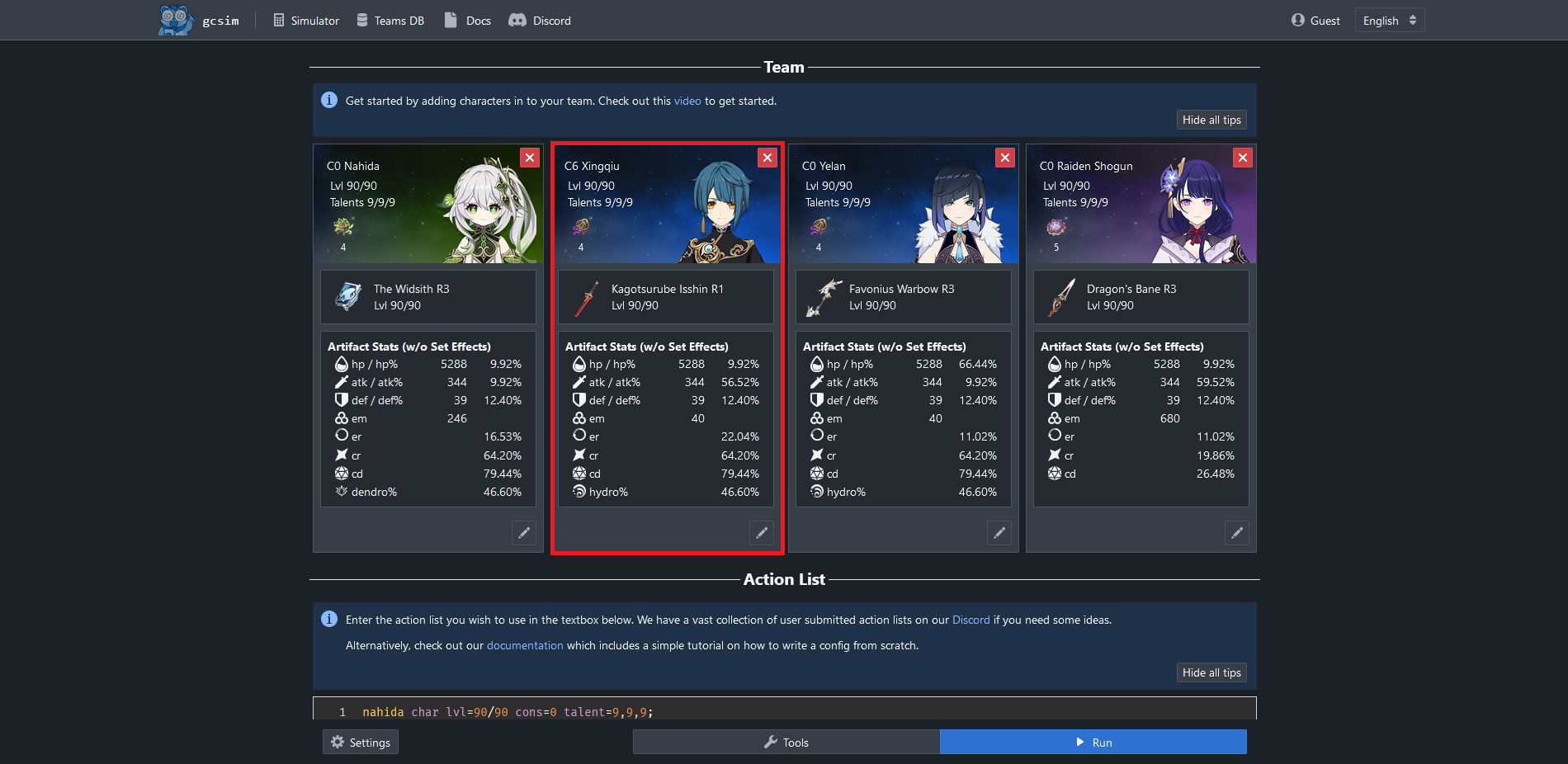
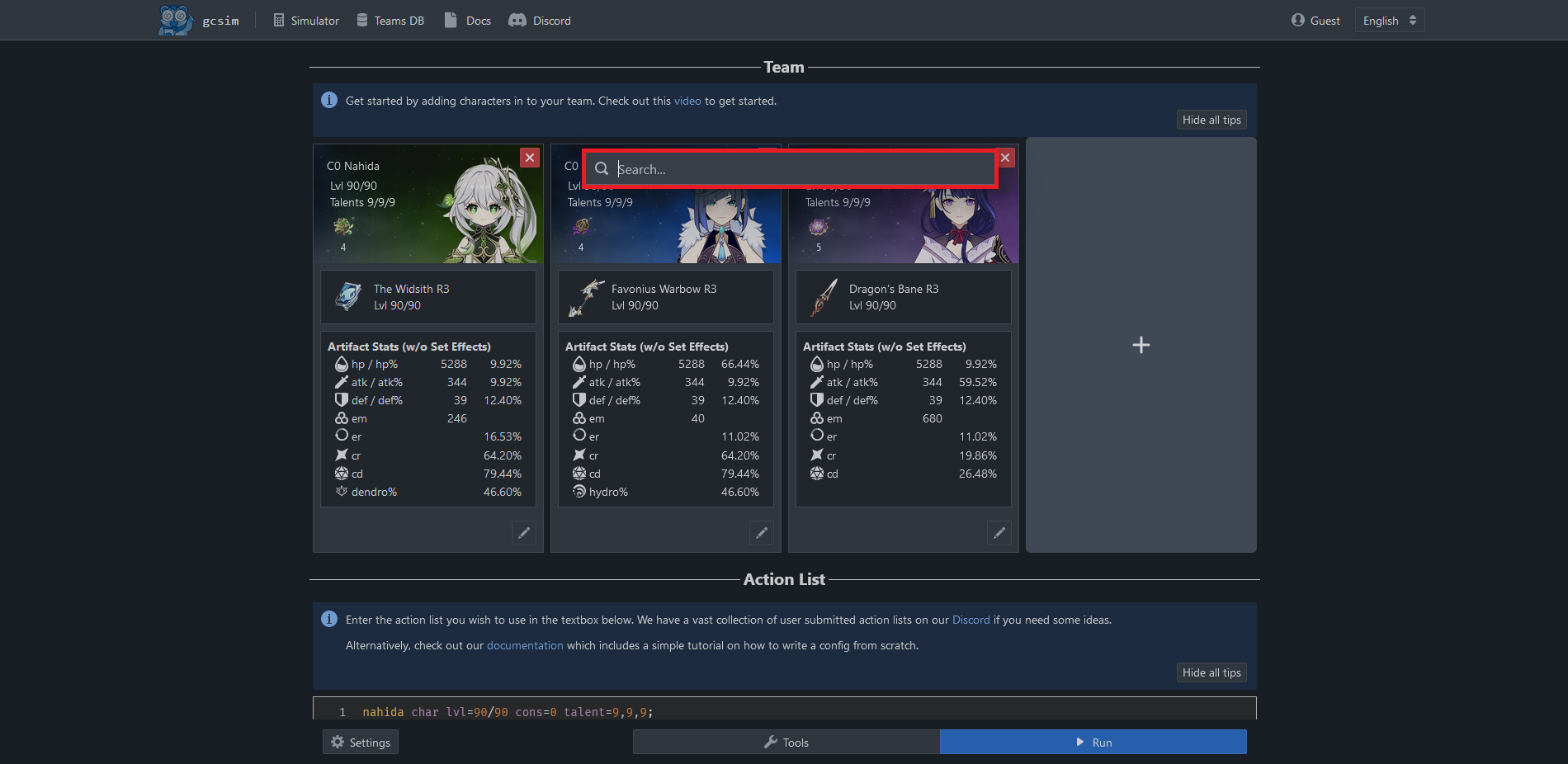
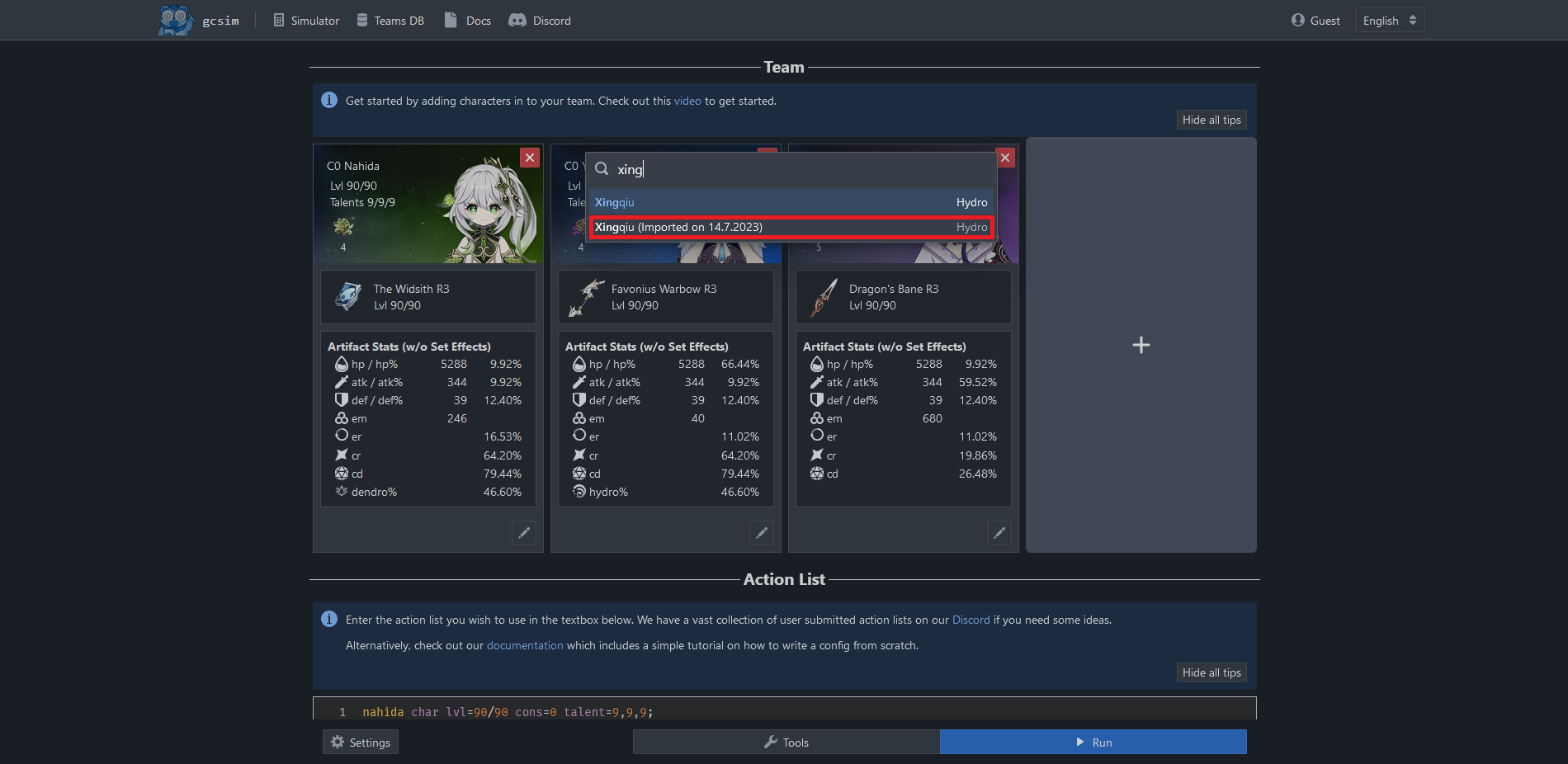
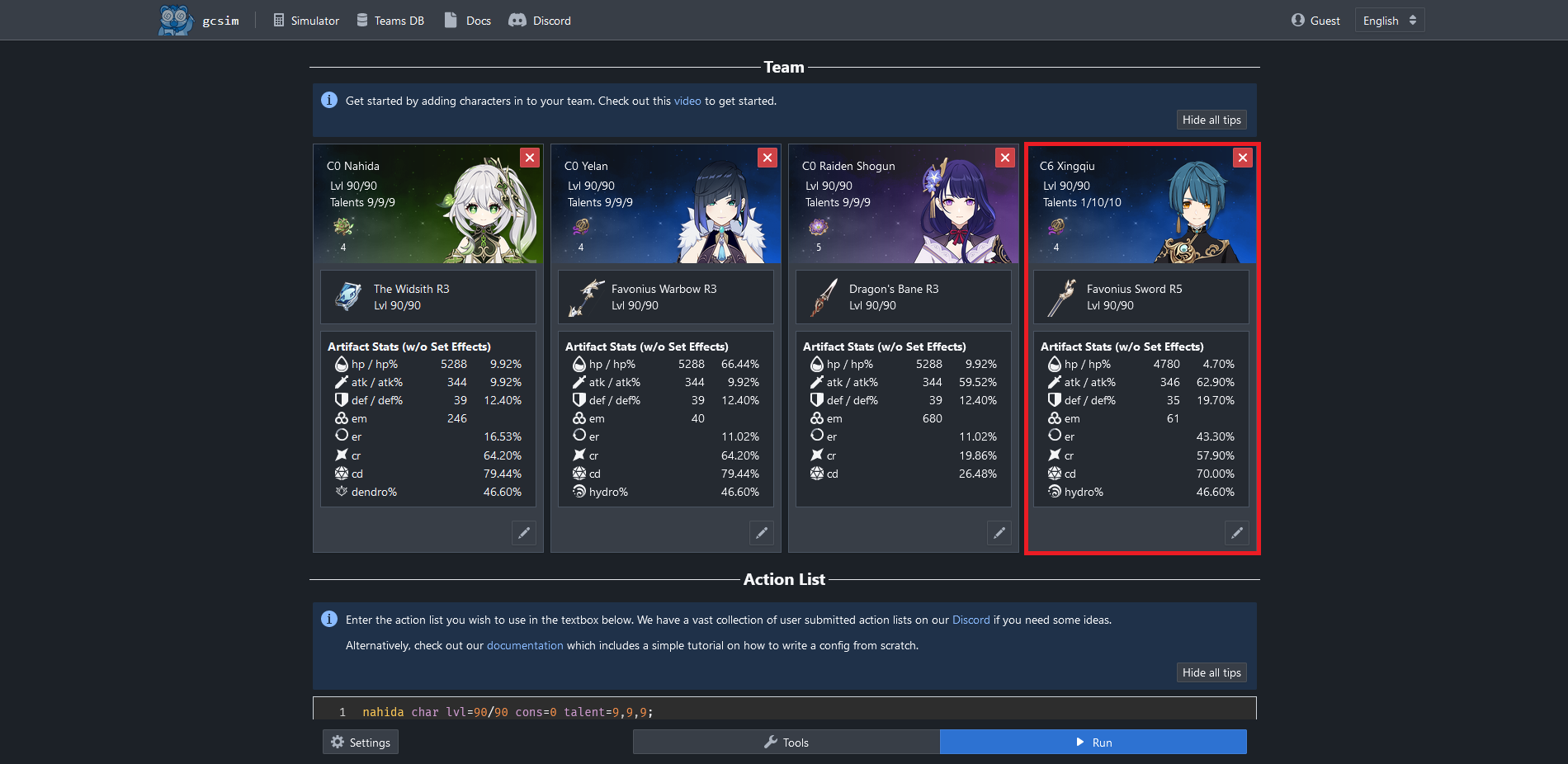
- After importing, open the character picker and add the imported character to the team.
What to check after import
- Character name: if it says unknown character, the local avatar ID is missing.
- Weapon: if it falls back to another weapon, the local weapon ID is missing.
- Artifacts: if set bonuses are unrecognized, the local reliquary set ID is missing.
- Stats: imported stats should match the displayed build, but always review ER, crit, and elemental damage.
GO import
- Open Genshin Optimizer.
- Export your character data.
- Use the GO import tool in Evilsim.
- Use GO when Enka cannot see a private character or when you want an exact saved build.
If something is unknown
- Do not guess IDs. Check Dimbreath / AnimeGameData and add the real avatar, weapon, or reliquary ID.
- Tell us the UID, imported character, missing weapon or set, and the warning shown by Evilsim.
- If the item is unreleased or absent from the data, it should stay unsupported until the real ID exists.